
How to Register Your ETC Product
How do I register my ETC product after purchase?
This can be done via MyETC. If you do not already have an account, you will need to create one. Your MyETC account is free.
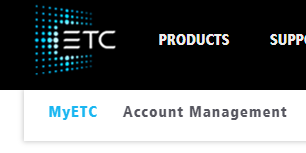
Once you have logged in, you will see Account Management near the top of the page.
After clicking Account Management you will see an option for My Registered Products.
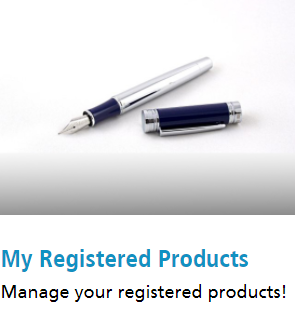
Clicking here will allow you to see a list of products you currently have registered and register new products.