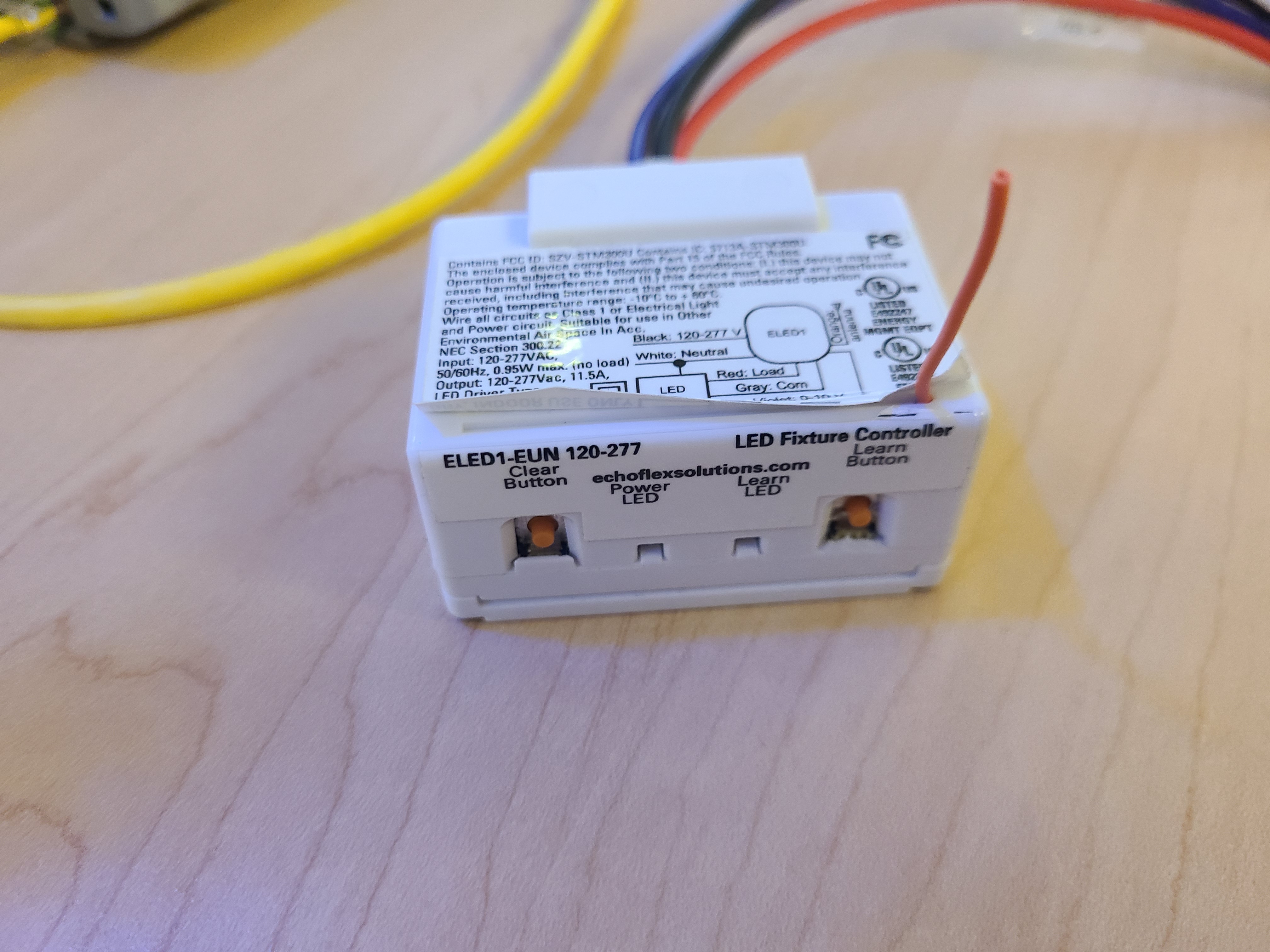
Adjusting the Antenna Position of an ELED1-EUN
Issue
I am having issues with consistent signal reception on my ELED1 controller(s). Enabling signal repeater on other controllers has not helped.
Explanation of Issue
The ELED1 has a physical antenna. In earlier revisions of the controller, this antenna was under hard plastic, but in the ELED1-EUN, it is located under the label of the controller. This antenna must be as unobstructed as possible, and having it against metal surfaces is especially problematic. Before trying to adjust the antenna with the steps here, be sure to follow our tips for best antenna ortientation. If the controller cannot be physically oriented in such a way as to leave the antenna unobstructed, it can be helpful or necessary to physically adjust the antenna.
Solution
- Locate the dashed line on the label of the ELED1, shown in this photo:
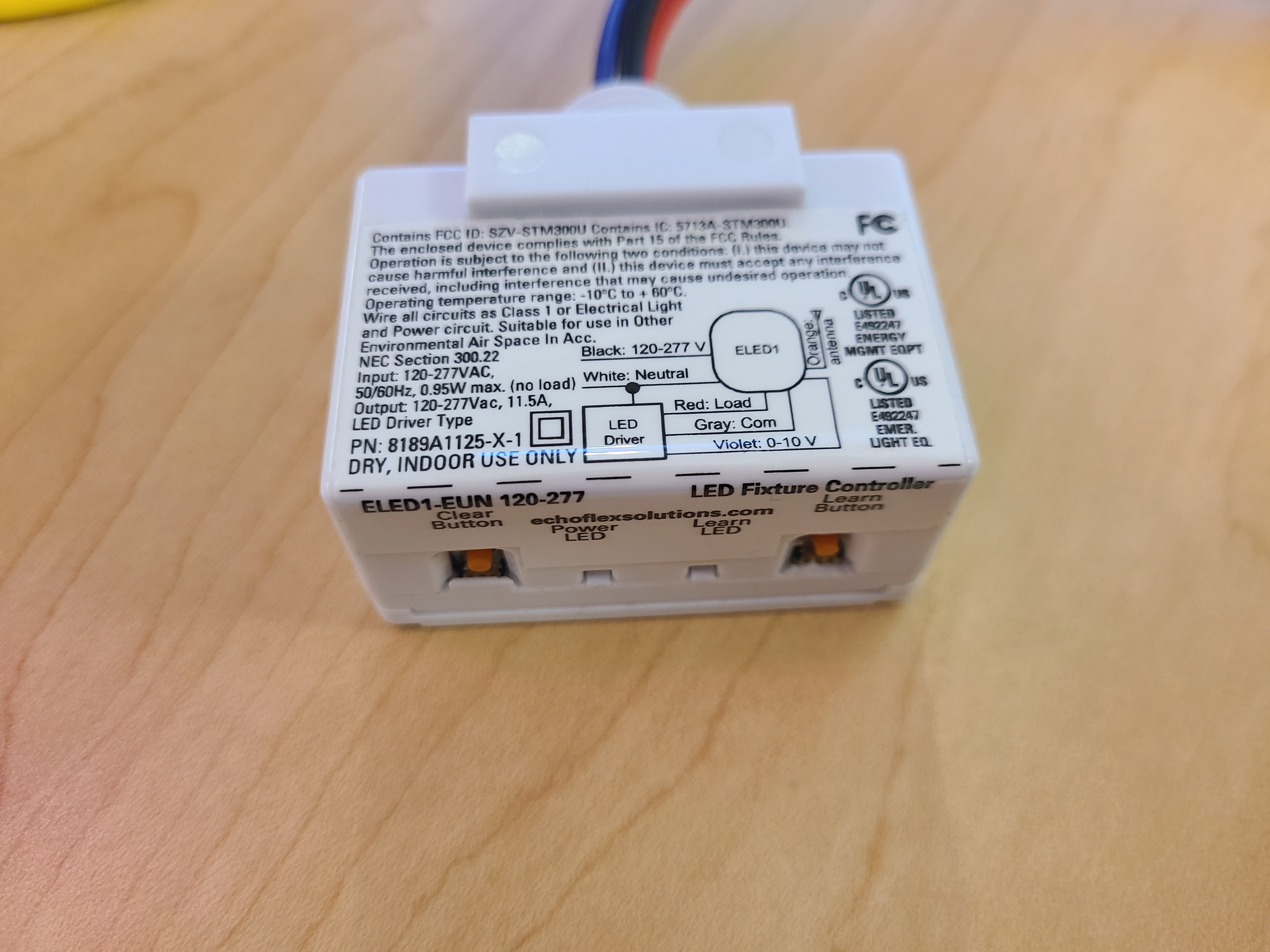
- Using a razor knife, carefully cut along the line on the corner of the controller. If you cut on the top face of the controller, you risk damaging the antenna.
- Lift the label up and pull the antenna out of the channel in the controller, then orient it as needed for optimal signal reception.